
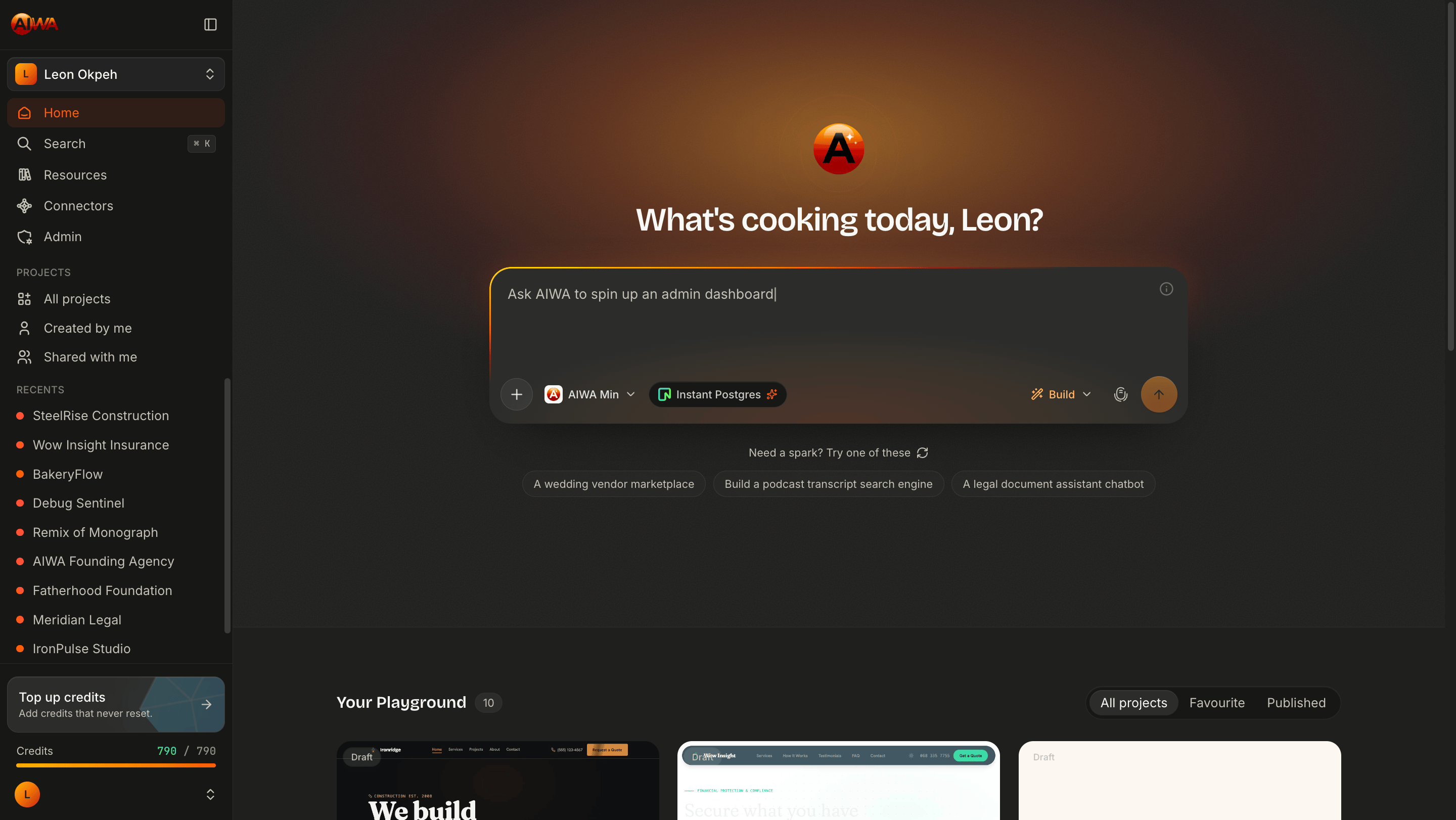
Think of AIWA as an AI-powered product team, available whenever you’re ready to build.
What can you build with AIWA?
AIWA can build much more than simple landing pages. You can use it to create:- Business websites and landing pages
- SaaS applications
- Dashboards and admin panels
- CRM systems
- Client portals
- Marketplaces
- Booking and scheduling applications
- Membership platforms
- Internal business tools
- AI-powered applications
- Custom web applications
How AIWA works
Building starts with a prompt. For example:Build a world-class construction website. The website should have all the navigations a construction website should have. Use professional and very clean images.From there, AIWA can analyze your request, plan the product, create the interface and functionality, and give you a working application you can continue refining through conversation. The basic workflow is:
1
Describe
Tell AIWA what you want to build in plain language. You don’t need to write a technical specification before getting started.
2
Plan
For more complex projects, AIWA can create and audit a product plan before writing the application. This gives you an opportunity to review the proposed structure and requirements before building.
3
Build
AIWA turns the requirements into a working product, creating the necessary pages, components, functionality, and application logic.
4
Refine
Continue talking to AIWA to make changes. For example:
Add a testimonials section to the homepage.or:
Create an admin dashboard where I can manage customer enquiries.AIWA works with the existing project rather than requiring you to start over.
5
Publish
When you’re ready, publish your project directly from AIWA. Your application receives a live AIWA URL, and supported plans can connect a custom domain.
AIWA is your AI product team
Building software has traditionally required a team of specialists. A typical product team includes:- Product managers who define requirements
- Designers who create user experiences
- Frontend developers who build interfaces
- Backend developers who create functionality
- Engineers who connect systems and deploy applications
From idea to evolving product
AIWA doesn’t just generate your first version and stop. Your application can continue evolving as your ideas change. You can ask AIWA to:- Add new features
- Improve user experiences
- Create new pages
- Connect external services
- Modify existing workflows
- Add databases and functionality
- Fix issues and refine your application
Your application grows with you
Traditional development often requires returning to developers every time you want to make a change. With AIWA, your application becomes something you can continuously build on. For example:1
Day 1
Build a booking website for a fitness studio. AIWA creates the first version.
2
Day 30
Add membership subscriptions, customer profiles, and an admin dashboard. AIWA evolves the application.
3
Day 90
Add AI recommendations and automated customer follow-ups. AIWA continues extending the product.
Why this matters
AIWA is designed for the future of software development. The future is not just generating code faster. The future is having an intelligent partner that understands your product, helps you make decisions, and accelerates every stage of building software.Frontend and backend
AIWA isn’t limited to generating the visual interface of your application. It can help build applications that require:Frontend
Pages, layouts, navigation, forms, dashboards, responsive interfaces, animations, and other user-facing experiences.
Backend
Authentication, databases, APIs, application logic, data storage, and other functionality required by dynamic applications.
Connect your favorite services
AIWA can also build applications that work with external services. Supported connectors and integrations include services for:- AI models
- Payments
- SMS
- File and image uploads
- Calendars and scheduling
- Databases
- Other APIs
Build Mode and Plan Mode
AIWA gives you two ways to approach a project.Build Mode
Use Build Mode when you want AIWA to start building immediately. This works well for straightforward projects or when you already know what you want.
Plan Mode
Use Plan Mode when you want AIWA to think through the product before implementation. AIWA creates a structured product plan that can be reviewed and refined before development begins.
Who is AIWA for?
AIWA is designed for both technical and non-technical builders.Founders & Entrepreneurs
Turn product ideas into working applications and test new concepts faster.
Agencies & Freelancers
Build websites and applications for clients while dramatically reducing development time.
Developers
Use AI to accelerate development instead of manually implementing every component and workflow.
Businesses & Teams
Build internal tools, customer portals, dashboards, and custom applications around your workflows.
You remain in control
AIWA doesn’t lock you into a completely closed development environment. Projects can be exported when you need greater control over the code or deployment. This makes it possible to start quickly with AIWA while retaining the flexibility to continue working with your project outside the platform when necessary.From idea to live product
The simplest way to understand AIWA is to build something. You don’t need the perfect prompt. Start by describing:what you’re building + who it’s for + what it should do.For example:
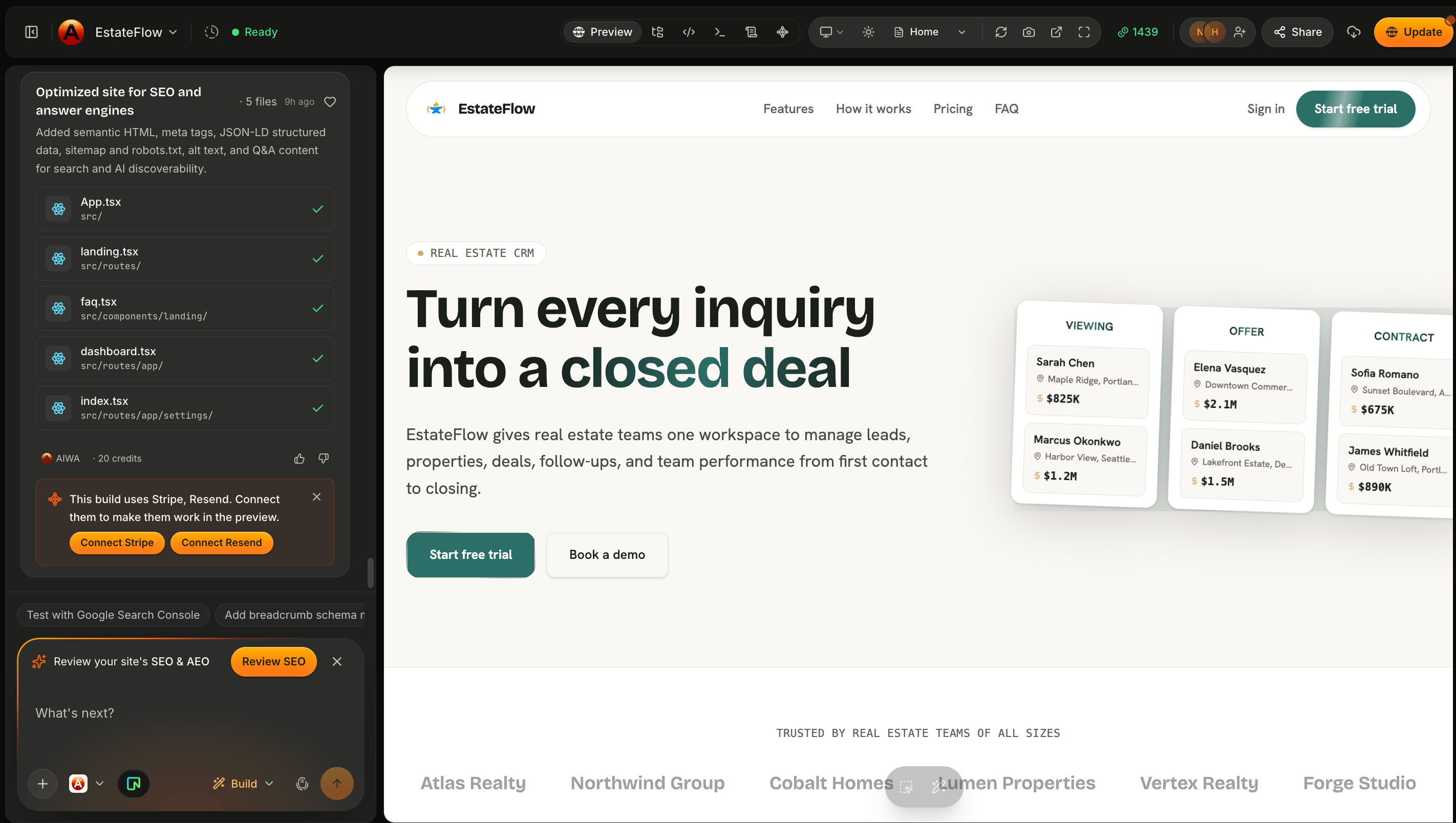
Build a CRM for a real estate agency. Agents should be able to add leads, manage properties, track deals, schedule follow-ups, and view their sales pipeline from a dashboard.
Next: How AIWA Works
Now that you know what AIWA is, learn how the AIWA workflow takes your idea through prompt, plan, build, refine, and publish.How AIWA Works
See the full AIWA workflow from prompt to published product.